Every family has one: the box. Prints from the 70s curled at the edges, a few envelopes of negatives nobody has opened since the Clinton administration, slides in cardboard mounts that have been quietly turning magenta for forty years.
Prints fade. Dye layers break down, paper yellows, and color slides shift toward red long before anyone notices because the change is gradual. Negatives survive better than prints but they are useless without a scanner and a light table. Meanwhile the people who could identify the faces in those pictures are not getting younger, which means the clock on this project is not really about the film stock at all.
Digitizing a family archive is mostly a logistics problem with a photography problem inside it. Here is how to pick the right method, what resolution actually matters, and how to store the results so the work you put in still exists in ten years.
Cull Before You Scan
The fastest way to double the length of this project is to scan everything. Do not.
Pull the prints out, sort them into "keep" and "maybe," and be honest about which is which. Duplicates, blurry shots, landscapes with no people, and the twelve near-identical pictures of the same birthday cake are not archive material. Most family collections shrink by 60 to 80 percent at this stage, and the smaller the pile, the better the scan quality you can afford on the images that survive.
Do this first, because scanning is the slow part. A 500-print pile becomes a two-weekend project once you have culled; scan it all and it becomes a two-month slog you will abandon.
Route One: A Flatbed Scanner
For printed photographs, nothing beats a flatbed. An Epson Perfection V600 or V850, or any current photo-oriented flatbed, handles prints, documents, and with the right film holders, 35mm negatives and slides as well.
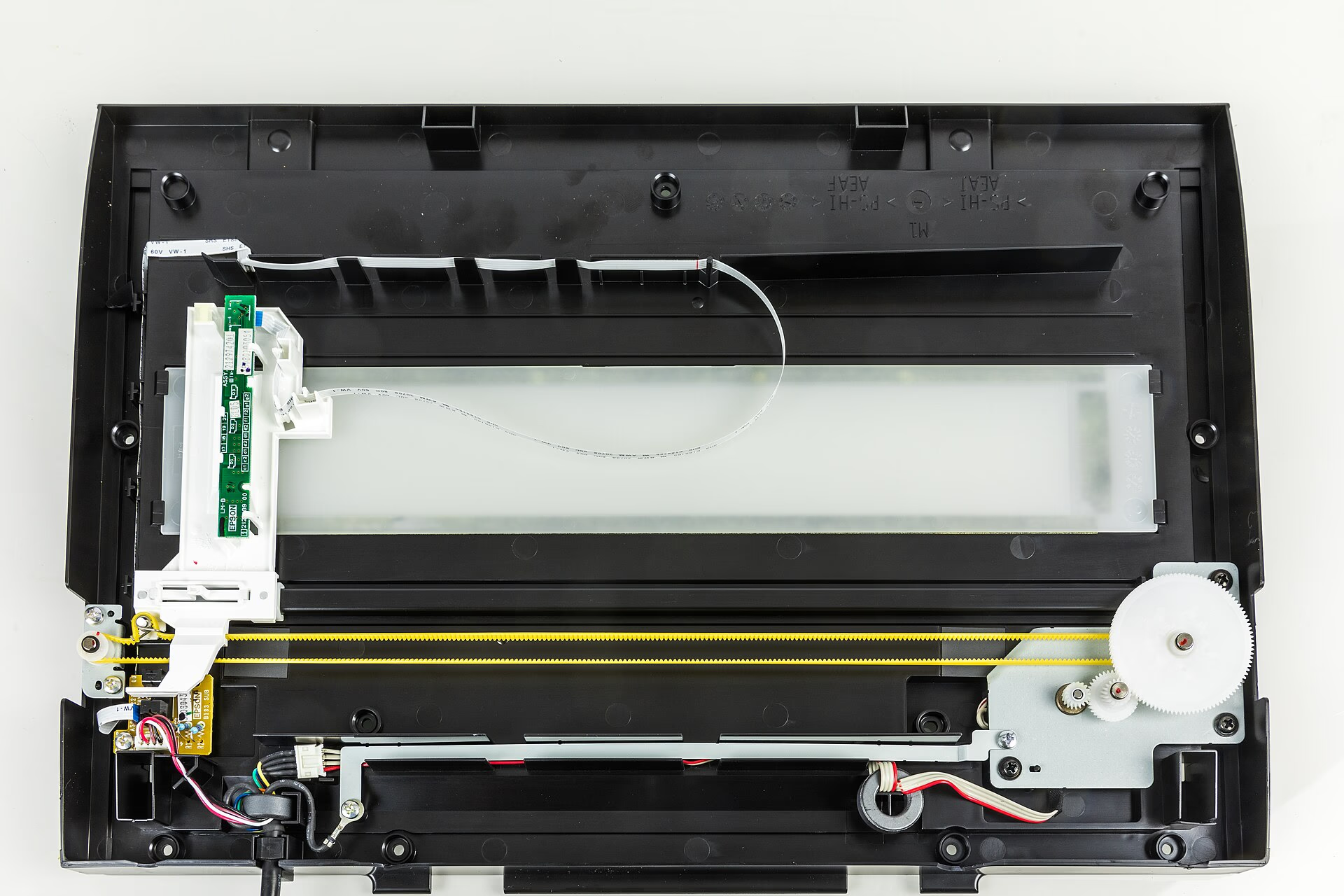
The settings that matter:
- 600 dpi for standard prints. This resolves the grain of most consumer print paper and gives you room to crop or enlarge later.
- 300 dpi is fine if the only destination is a screen, and it cuts file size by three quarters.
- 1200 dpi for prints smaller than 4x6 inches, and for anything you might want to enlarge dramatically.
- 24-bit color and TIFF as your master format. TIFF files are large and awkward, which is precisely why they are good archive material: no compression artifacts, no generation loss when you open and re-save.
Two habits separate a clean scan from a frustrating one. Wipe the glass before every batch and use an anti-static cloth on the prints, because a single speck of dust becomes a bright line through a dark area. And turn off the scanner software's automatic color enhancement, dust removal, and sharpening for the master file. It makes the preview look better and the archive worse. Scan flat and neutral, then edit a copy.
Route Two: Your Phone
Phone scanning is the fastest way through a large pile, and for prints that will live on screens it is often good enough. The catch is that it is easy to do badly.
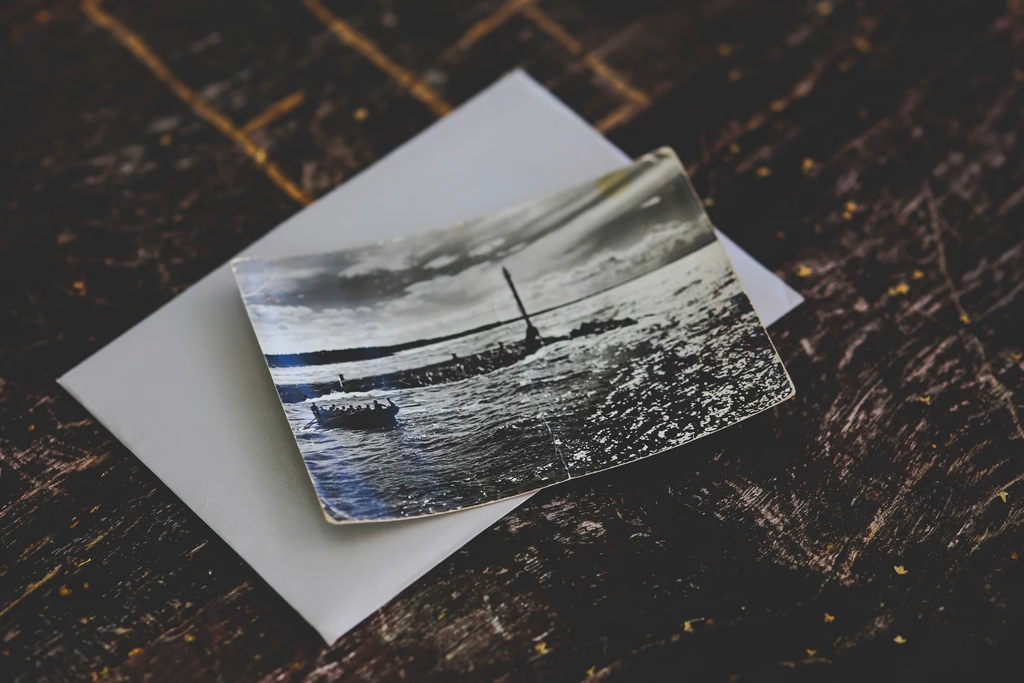
Lay the print on a matte black surface, ideally black foam board, so nothing reflects back into the frame. Work in open shade or with soft, diffuse light from a window; direct sun and bare bulbs produce glare hot spots that ruin a corner of the image. Shoot straight down, keep the phone parallel to the print, and let a scanning app handle edge detection and perspective correction rather than trying to eyeball it. Keystone distortion from hand-holding at an angle is the most common fault in phone-scanned archives.
Do not oversharpen. Phone scanning apps love aggressive sharpening and contrast, which looks punchy on a small screen and destroys fine detail in paper texture and faces. If the app offers a neutral or flat output, take it.
Route Three: A Dedicated Film and Slide Scanner
If your archive is mostly negatives and slides rather than prints, forget the flatbed's film holder. Dedicated 35mm scanners are slower but they resolve far more detail and many include infrared dust and scratch removal, which is the single biggest quality win available for old film.
Scan 35mm film at 2400 to 4800 dpi. Slides generally carry more usable detail than negatives from the same era, and negatives often need a color profile pass to stop the orange mask from dominating. Slides, meanwhile, tend to have picked up a strong color cast over decades; correct it gently and keep the corrected file as a copy, not as the master.
Expect to spend real time on this. Fifteen to thirty slides an hour is honest throughput once you are cleaning dust and tuning color, which is why mailing out a large film archive is worth considering.
Route Four: A Mail-In Service
Companies will scan your prints, slides and negatives for you, usually priced per item. For a handful of genuinely irreplaceable photographs, or an entire collection you know you will never get to yourself, this is money well spent.
Read three things before you ship anything. First, what resolution you are getting, because "high quality" from a bulk scanning house can mean 300 dpi JPEGs that cannot be reprinted large. Second, whether you get your originals back, and by what deadline. Third, whether the scans come with a formal agreement not to use your images for anything else.
Shipping irreplaceable originals is the real risk here, so send them tracked, in a rigid box, and photograph the contents before they leave the house.
Naming, Folders, and Metadata
A folder of files called IMG_4471 through IMG_4520 is a pile, not an archive. The scanning work is wasted if nobody can find anything afterward.
Name files with the date and subject: `1972-06-14-grandma-rose-wedding-anniversary.tif`. Use leading zeros so sorting works, and use ISO dates so `1972` files sort before `1978` ones rather than being interleaved by whatever convention you picked.
Mirror that in folders by decade and then by event or by person. Add a plain text file to the top level naming the people, places and approximate dates for anything uncertain. Genealogy projects fall apart years later not because images are missing but because nobody can confirm who is standing in the back row.
Storage That Will Still Exist Later
Keep a master TIFF and a smaller JPEG or HEIC access copy of every image. Two local copies on separate drives, plus one copy at a different address or in cloud storage. Check the archive opens once a year.
Avoid relying on USB flash drives, on an external drive that sits permanently plugged in, or on a single cloud account you might lose access to. And do not edit your only copy: keep the flat scan untouched. It matters more than it sounds, because restored images have a way of drifting from the original. Online arguments over whether an image is authentic at all have moved from darkroom debates to AI-generated pictures passed off as real paintings, and the only defense you have for a family archive is an unedited master with a documented scan date.
Tips for a Clean Project
- Cull before you scan, then cull again after the first hundred files.
- Scan at 600 dpi for prints and 2400 dpi or higher for film, in TIFF.
- Turn off auto-enhancement and dust removal for master files.
- Clean the glass and the print before every batch. Dust is the biggest avoidable defect.
- Name files with ISO dates and real subjects, and write down what you cannot identify.
- Keep the unedited master separate from the retouched version.
- Start with the 50 photos you would rescue from a fire, then decide how far to go.
Conclusion
The method matters less than starting. A cheap flatbed and a few weekends will get most family collections over the line, and the phone in your pocket can handle the volume if you set it up carefully. Film archives are the one case where paying a specialist earns its money.
If you take nothing else from this, take the culling and the naming. A curated, labeled, well-stored archive of 300 photographs beats a chaotic 5,000 every single time, and the historical value of a labeled picture is not something you can add later. Photographs of documented moments outlive the equipment that made them; a landmark photo archive like Gordon Parks' work from the 1940s and 50s still matters today because someone kept the negatives and wrote down the details. Your box deserves the same treatment, at whatever scale you can manage.
FAQ
What resolution should I scan old photos at?
600 dpi for standard prints, 1200 dpi for small prints you may want to enlarge, and 300 dpi if the images will only ever be viewed on a screen. Scan film negatives and slides at 2400 to 4800 dpi.
Should I scan photos as TIFF or JPEG?
Scan masters as TIFF. It is uncompressed, so re-opening and re-saving never degrades the file. Save a JPEG or HEIC copy for sharing and everyday use.
Is a phone good enough for digitizing old photos?
For prints that will be shared on screens, yes, if you use a matte black backing, soft indirect light, and a scanning app that corrects perspective. Phone scans of film and slides are much weaker than a dedicated film scanner.
How many photos can I scan in an hour?
A flatbed at 600 dpi realistically handles 40 to 60 prints an hour. A dedicated 35mm film scanner runs about 15 to 30 slides an hour once dust removal and color correction are included.
Do I need to keep the original prints after scanning?
Yes. Scans are a backup, not a replacement, and a good print still holds detail a consumer scan may not capture. Store the originals flat, away from heat and sunlight, in acid-free boxes.
What about fading and color casts?
Ignore software that "fixes" color automatically on the master file. Scan flat, then correct a working copy. Slides from the 60s and 70s often need a magenta and cyan correction, and faded prints benefit from a light curves adjustment rather than heavy saturation.